Ricecard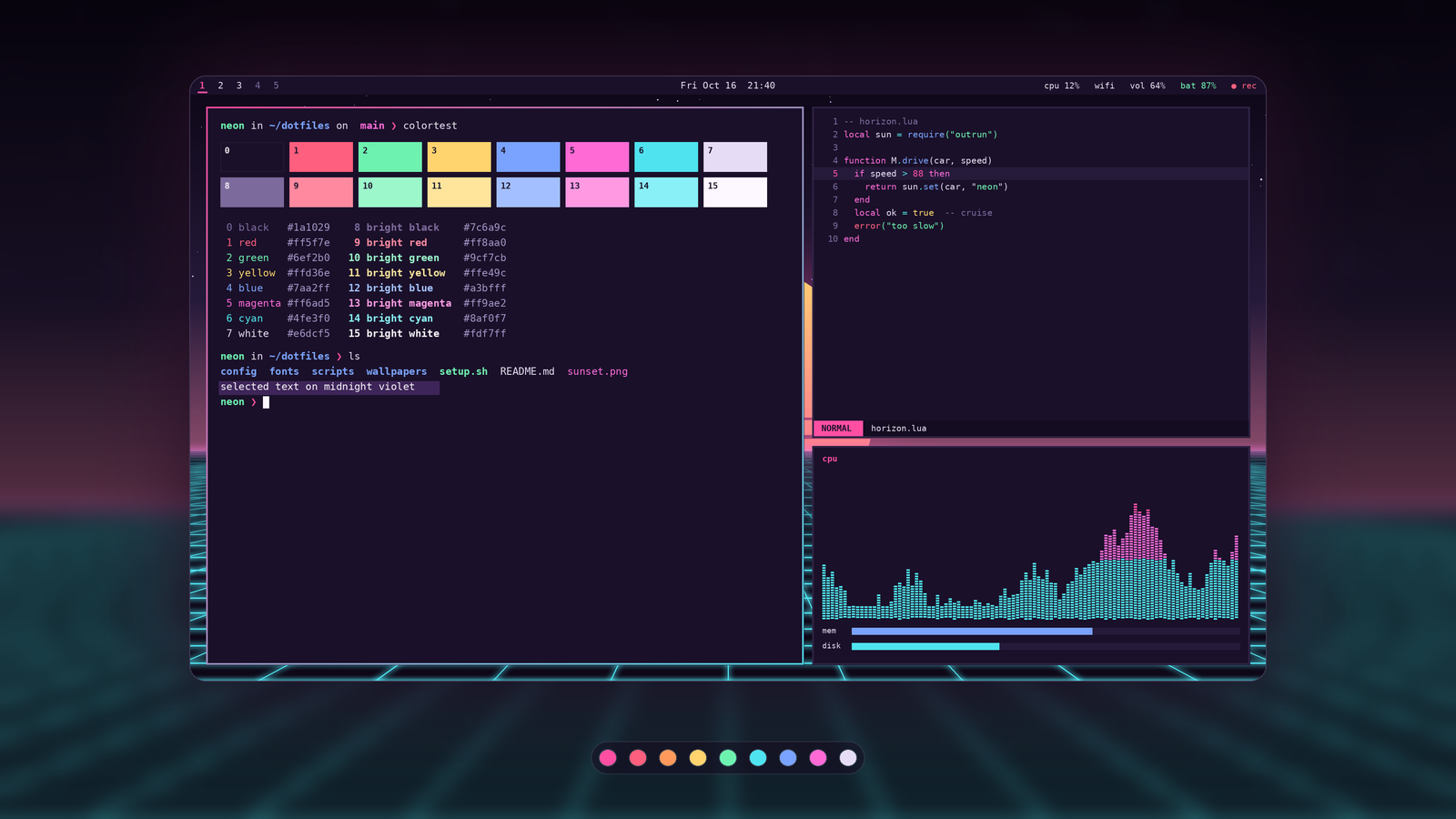
Your desktop, ready to post.
Turn a screenshot and your Omarchy theme into a clean showcase card, with no image editor needed.
Free, MIT licensed.

What it does
- Reads your theme's
colors.tomland places your screenshot in a rounded card with a soft shadow and an accent glow. - Puts a blurred backdrop behind it and a strip of your palette's swatches underneath.
- Outputs 1600x900 and 1200x1200 PNGs by default, plus presets for HD, portrait, story and link-preview sizes.
- Adds no text unless you ask for a title or an install line.
- Takes up to two extra shots, like your lock screen or terminal, as tilted side cards.
- Falls back to a neutral palette if your theme file is missing or broken, instead of crashing.
Examples


Install
No pip, no network, no sudo. Needs Python 3.8+ and Pillow.
git clone https://github.com/synthalorian/ricecard && cd ricecard && ./install.sh
ricecard ~/Pictures/desktop.png
./uninstall.sh removes it.